Name: Sort by filename patterns
Use this when files share predictable words. Example: any file with "invoice" in the name can be redirected to your invoices folder automatically.
FileRedirect monitors your folders and automatically moves files to where they belong, based on rules you set.
7-day free trial · One-time $4.99 · No subscription
Requires macOS 14 or later


Use this when files share predictable words. Example: any file with "invoice" in the name can be redirected to your invoices folder automatically.
Choose one or many extensions like .pdf, .zip, .mp4, or .psd. When a matching file appears, FileRedirect sends it to the destination you set.
Great for fast cleanup. Route whole categories like images, videos, documents, archives, or folders without entering each extension manually.
Set a rule once, then let FileRedirect handle repetitive file cleanup for you.
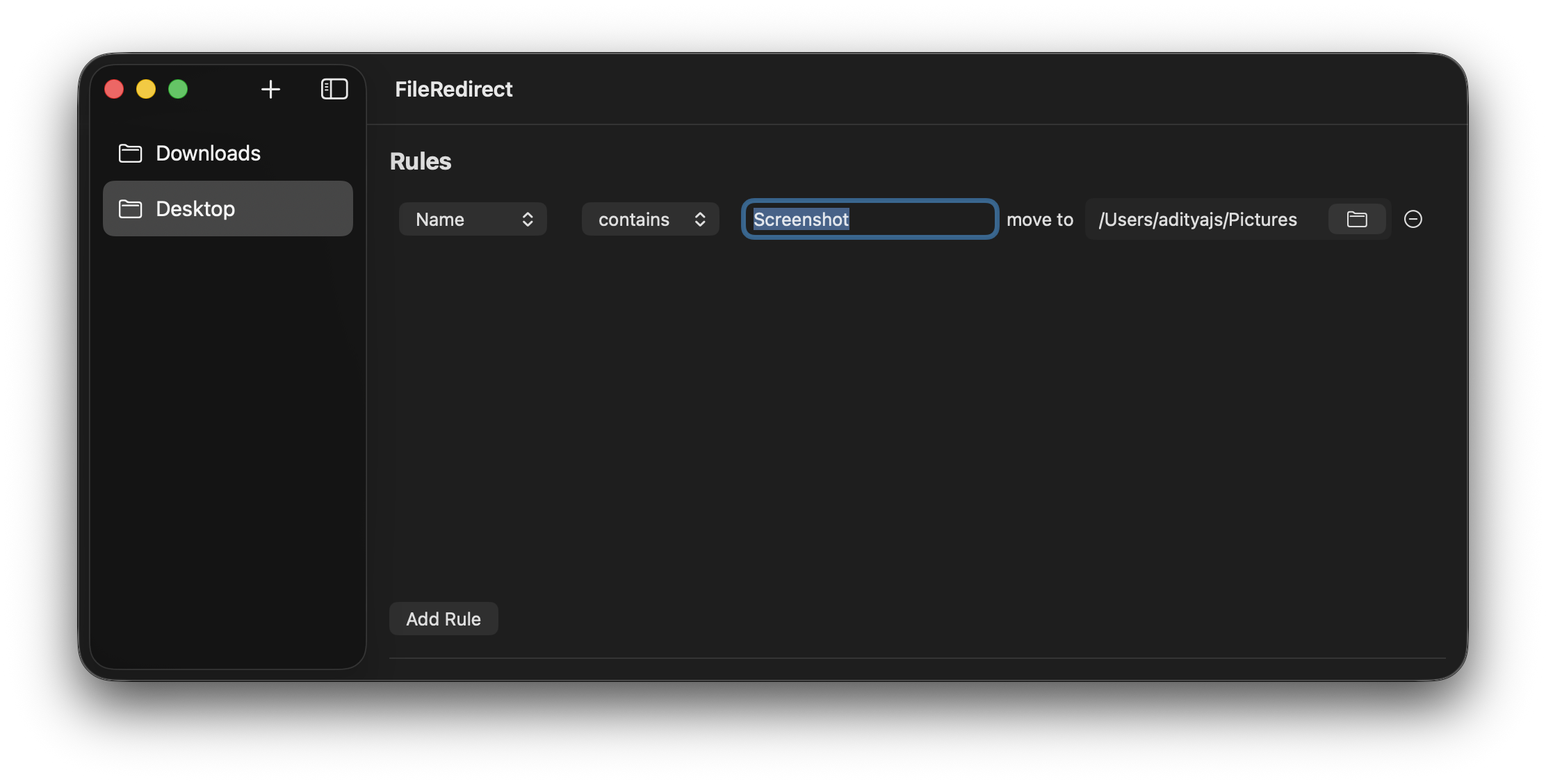
Pictures
Create a Name rule for files containing Screenshot so every new screenshot on your Desktop is moved into your Pictures folder automatically.
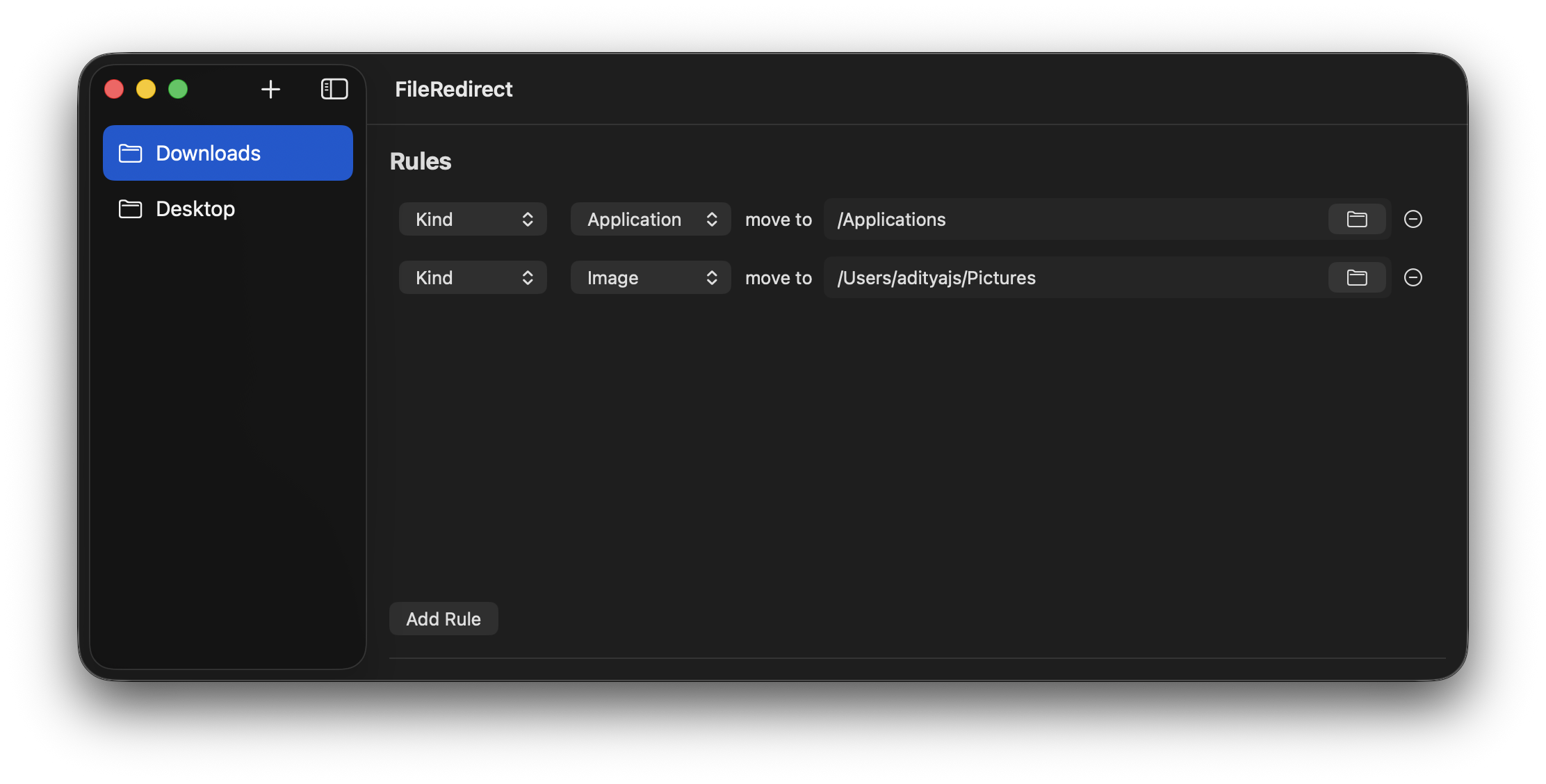
Applications
Use a Kind rule for Applications so application files dropped in Downloads are redirected to Applications instead of piling up in your Downloads folder.
Monitor multiple source folders at once, each with its own independent set of redirect rules.
Files are moved the moment they appear, so incoming clutter gets sorted in real time.
Lives in your menu bar, launches at login, and keeps memory usage low while it works.
Everything runs locally on your Mac with zero internet access needed.
FileRedirect detects in-progress downloads and only redirects them after they are fully completed, so partial files are never moved too early.
If a file with the same name already exists at the destination, FileRedirect automatically appends a suffix to the incoming file to prevent transfer conflicts.
No subscriptions. Pay once for unlimited use.
Currently, due to lack of funds, the app isn't verified by apple, which means you will have to quarantine the app before you run it. You only have to do this once. The quarantine instructions are included in the .dmg file. You won't have to do this for future updates after the app gets notarized.